 Barely
 is a 30-day trial of everything, then $99 once.
Trial
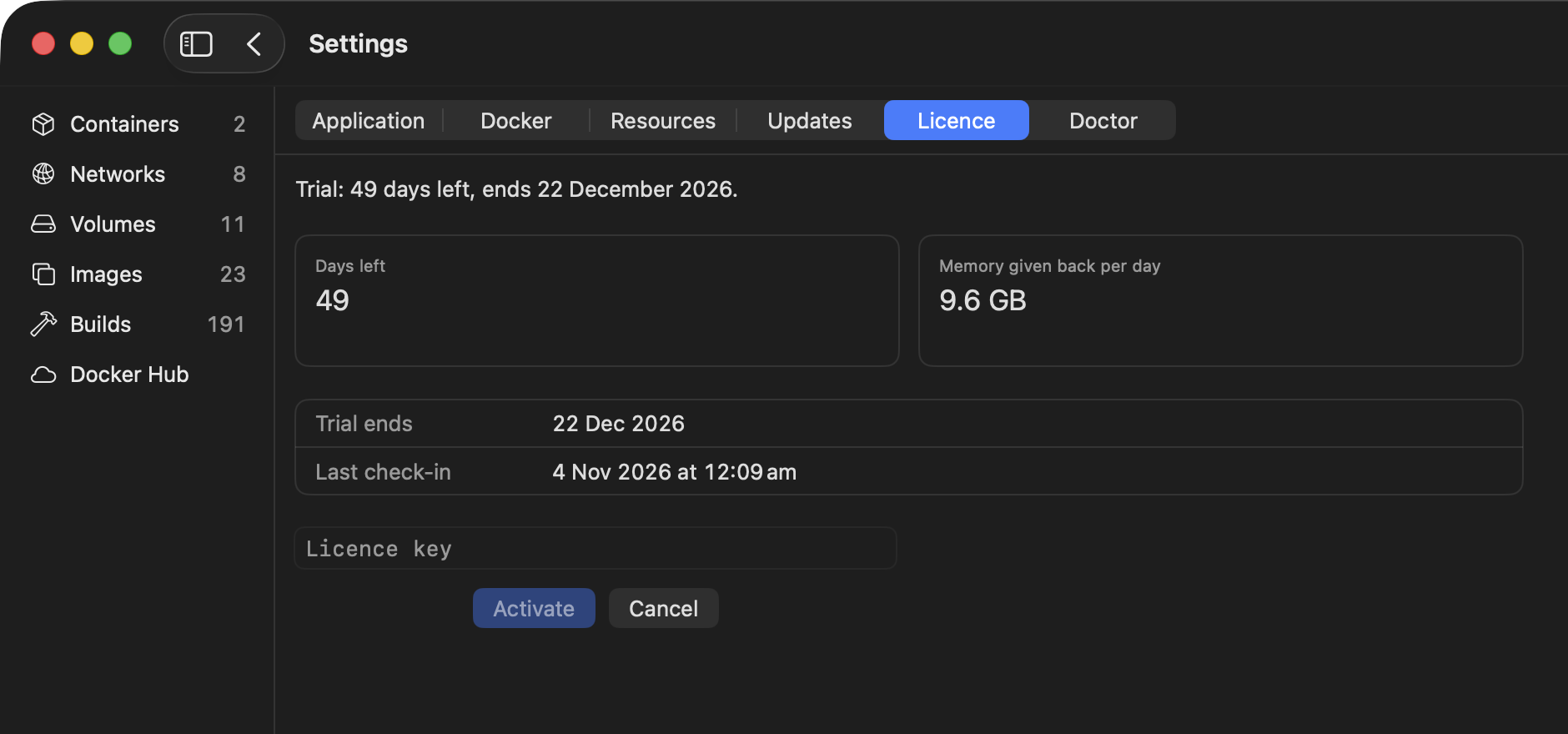
barely setup starts it. It shows a code and opens a page in your browser with one button. The trial needs no account, email or credit card. Settings › Licence in the app shows the days left. In the terminal:
barely licence
Buy and activate
Buy and your key is on the thank-you page. It's also on your account any time: sign in with the email you bought with.
To activate a Mac in Barely Desktop, open Settings → Licence, click Activate…, paste your key and click Activate.
Or run this in your terminal on each Mac:
barely licence activate <key>
Your Macs
A licence is for one user. Use your key on each of your Macs. We watch for keys being shared and limit activations, which most users never hit. If you do, email [email protected] and we'll raise the limit for your key, as long as it's your Macs.
A Mac you stop using drops off your licence by itself. You don't need to do anything when you replace a Mac: one set up from a Time Machine backup or with Migration Assistant is added to your licence the first time barely runs on it.
To free a Mac's place yourself, click Deactivate… under Settings › Licence in the app on that Mac, or use your account, which shows your key and your Macs. In the terminal on that Mac:
barely licence deactivate
Questions
What happens when the trial ends?
Barely won't start until you buy a licence. Your images, containers and volumes stay where they are, and barely uninstall puts Docker back the way it was.
Is it a subscription?
No subscription. You pay $99 once.
Who takes the payment?
Polar.sh, the merchant of record. Polar.sh handles sales tax and VAT, and sends your receipt.
Can I get a refund?
Yes. Ask within 30 days of buying, and you don't need to give a reason. See the refund policy.
Something missing or wrong? Tell us.